How to Use Git Like a Pro: 25 Commands, Workflows & Best Practices
 Amine Lahmary·Aug 8, 2026·6 min read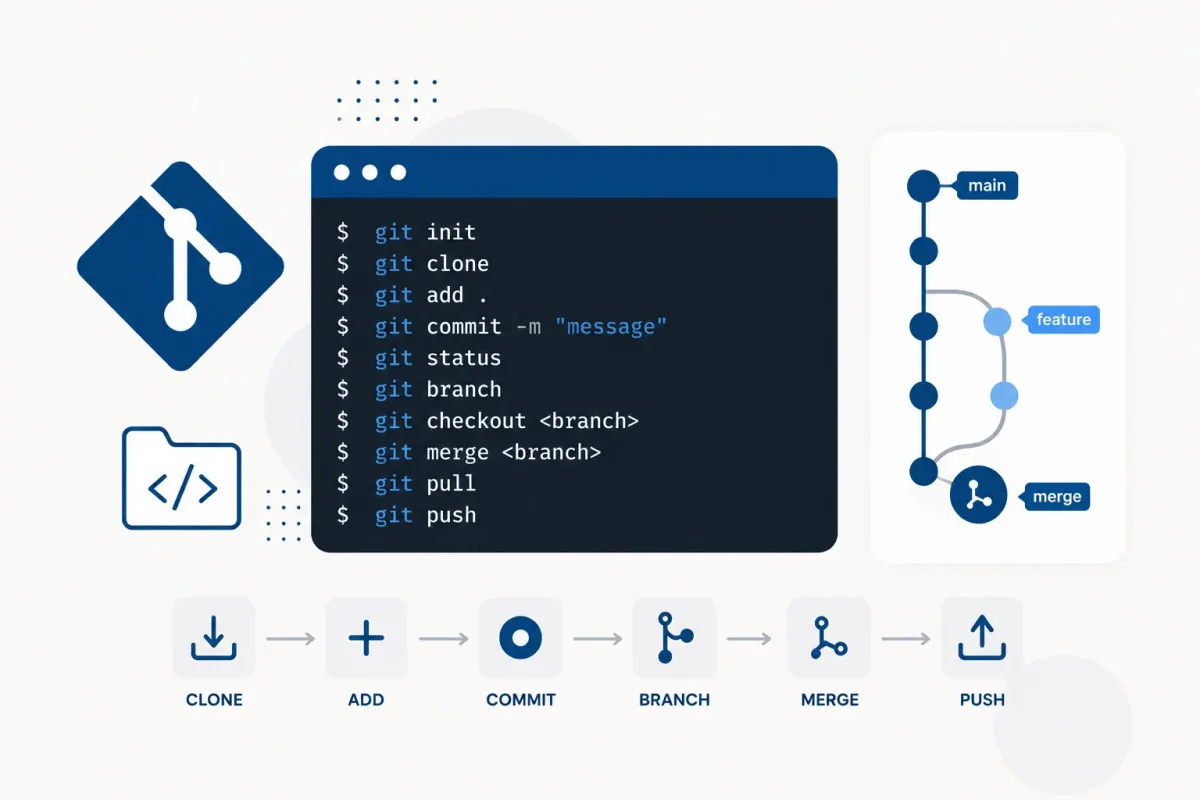
Git basics every pro has automated
Before workflows, set up your identity and a few sensible defaults. Do this once:
git config --global user.name "Your Name"
git config --global user.email "[email protected]"
git config --global init.defaultBranch main
git config --global pull.rebase true
git config --global rerere.enabled true
pull.rebase true means git pull never creates ugly merge commits. rerere.enabled lets git remember how you resolved conflicts and replay them automatically. Pros set these once and forget them.
The pro git workflow: small branches, small commits
The professional workflow is simple to explain and hard to skip: never commit directly to the main branch.
git checkout -b feature/login-form     # create a branch and switch to it
git add src/components/LoginForm.vue   # stage one logical change
git commit -m "feat: add login form validation"
git push -u origin feature/login-form  # push and remember the branch
Three rules make this workflow powerful:
- One commit = one idea. If the commit message needs the word "and", split it.
- Commit often, push small. A 5-line commit is easy to review and easy to revert. A 500-line commit is a mystery to everyone.
- Protect
main. Never push directly to it. Merge only through a pull request, with review.
Write commit messages that mean something
Good messages follow the conventional format: a type, a short summary, and optionally a body.
git commit -m "fix: handle empty email in contact form"

# with a body:
git commit -m "fix: handle empty email in contact form" -m "The form crashed when the email field was empty. Added a guard clause before validation."
Common types: feat, fix, refactor, docs, test, chore. Six months later, a clean log is free documentation.
Undo mistakes like a pro (the commands that save you)
Everyone messes up. Pros do not panic, because git is a time machine. Here is the exact command for each situation.
I haven't committed yet — remove the change
git restore src/App.vue            # discard working-tree changes (undo)
git restore --staged src/App.vue   # unstage a file, keep the changes
I committed but it's local — fix it
git commit --amend -m "fix: correct typo in title" # rewrite the last commitI want to rewrite several local commits
git rebase -i HEAD~3 # squash, reorder, or edit the last 3 commitsIn the editor, change pick to squash to merge commits into one clean history.
I already pushed — undo it without lying
Never rewrite history you pushed. Instead, create a new commit that cancels the bad one:
git revert <commit-hash> # safe: adds a new commit that undoes the old onegit revert keeps the history honest and is safe for shared branches. This is the pro version of "delete it".
I want to save work for later
git stash               # save uncommitted work and clean the tree
git stash pop           # bring it back
git stash list          # see saved stashes
git stash save "wip"    # name it
git stash is the perfect tool when you are mid-task and must switch branches.
Commands pros run every day
These five commands quietly separate professionals from beginners.
See exactly what changed
git diff                  # unstaged changes
git diff --staged         # staged changes, ready to commit
Always git diff before committing. It is the last chance to catch mistakes.
Stage parts of a file, not the whole thing
git add -p src/components/ContactForm.vue # stage line by lineThe -p (patch) mode asks you per hunk: y for yes, n for no. It keeps unrelated edits out of your commits.
Follow the history
git log --oneline --graph --decorate   # visual history
git blame src/App.vue                  # who changed each line and when
git blame is not for blame. It answers "when and why was this line added?" and it will save you hours.
Fix a bug by tracking it down automatically
git bisect start
git bisect bad     # mark current commit as broken
git bisect good <older-commit>   # mark an older good commit
Git checks out the middle commit. You test, say good or bad, and git halves the search until it finds the exact commit that broke things. Magic, and free.
Bring one commit into your branch
git cherry-pick <commit-hash> # copy a specific commit onto your branchPerfect for taking a hotfix from main into a feature branch without a full merge.
The golden rule: pull with rebase, push with force-with-lease
When your branch is behind the remote, never create merge commits locally:
git pull --rebase          # replay your commits on top of remote changes
git push -u origin my-branch
And if you really must rewrite pushed commits (it happens), never use plain git push -f:
git push --force-with-lease--force-with-lease refuses to overwrite work you have not seen. Plain -f can destroy a teammate's commits. This one flag is the difference between a pro and a liability.
Your pro git cheatsheet
| Situation | Command |
|---|---|
| See your status | git status |
| Stage everything | git add . |
| Commit | git commit -m "..." |
| Undo uncommitted file | git restore <file> |
| Undo last local commit | git commit --amend |
| Cancel a pushed commit | git revert <hash> |
| Save work temporarily | git stash |
| Show history | git log --oneline --graph |
| Who changed this line? | git blame <file> |
| Merge last 3 commits | git rebase -i HEAD~3 |
| Find the bug commit | git bisect start |
| Copy a commit | git cherry-pick <hash> |
| Update branch safely | git pull --rebase |
| Overwrite with care | git push --force-with-lease |
Git tips for teamwork (where pros really win)
- Pull before you push, every time.
git pull --rebasefirst, then push. No surprises for the team. - Keep pull requests small. A PR with 200 lines is reviewed. A PR with 2,000 lines is skipped. Small PRs = fewer bugs.
- Do not commit secrets. Add
.env, keys, and build folders to.gitignoreon day one.
# .gitignore
node_modules/
dist/
.env
.env.*
*.log- Use a
.gitignorefor every language. The templates at gitignore.io are a great start. - Write a README with the workflow. "Branch from main, PR to main, never push directly" saves every newcomer an hour.
The pro mindset
Here is the shift that makes a pro: git is a safety net, not a threat. Beginners fear git because they think they might break something. Pros know git can almost always undo anything, as long as you commit early and commit often.
The rule that prevents 90% of git disasters: commit small, commit often, and never rewrite history that someone else already pulled. Follow those three rules with the commands above, and you are already working like a pro.
What to learn next
Master the basics here first. Then explore:
- Git aliases — shorten
git checkouttogit co,git statustogit st, and more:
git config --global alias.st status
git config --global alias.co checkout
git config --global alias.lg "log --oneline --graph --decorate"- Hooks — run checks automatically before every commit.
- Rebase workflows — keep a perfectly linear history for small teams.
Git looks intimidating from the outside. On the inside it is just commands that protect your work and your team's work. Learn them once, use them every day, and let the time machine do the rest.